

CMYK vs RGB: The Color Mode Guide Every Designer and Business Owner Needs
If you have ever sent a beautifully designed file to print and received something that looked dull or off-color, chances are you mixed up your color modes. CMYK vs RGB is one of the most common sources of confusion in graphic design, marketing, and printing. In this guide, we break down the difference in plain language, show you when to use each mode, and explain what really happens when you choose the wrong one.
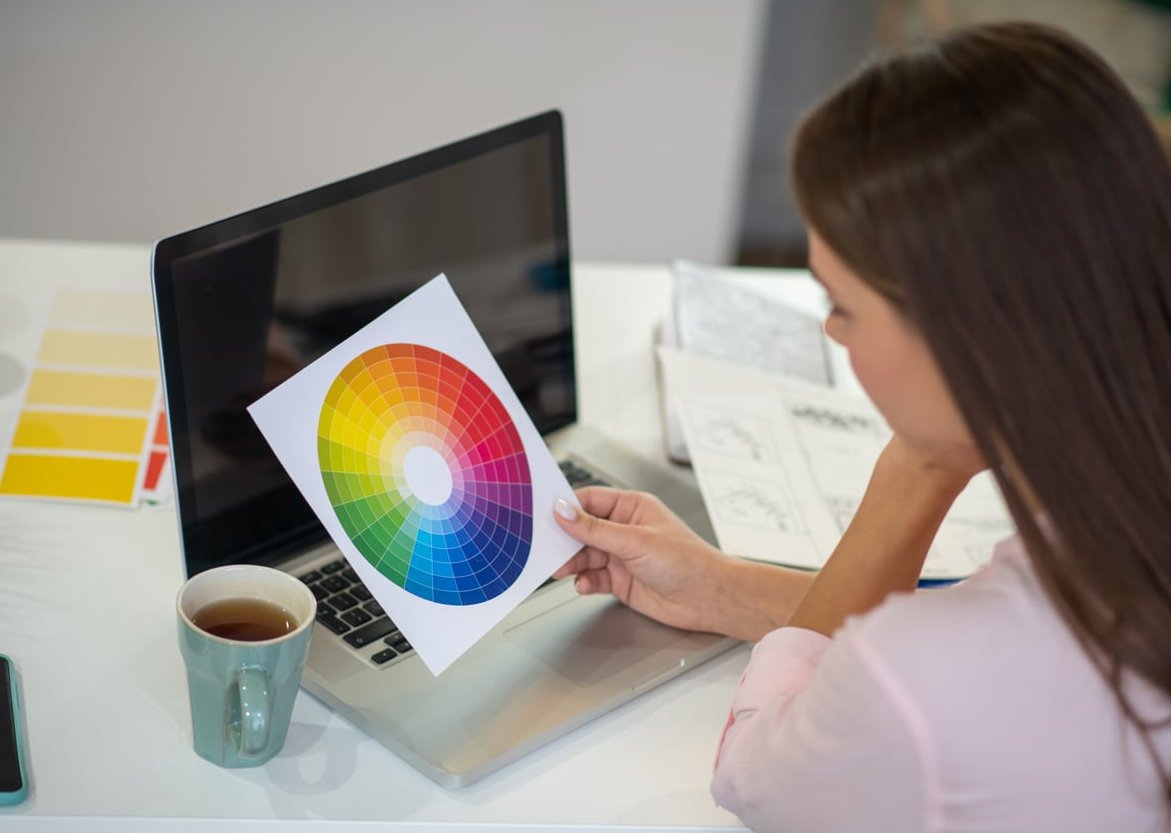
What Is RGB?
RGB stands for Red, Green, and Blue. It is an additive color model, meaning colors are created by adding light. When red, green, and blue light combine at full intensity, you get white. When there is no light, you get black.
RGB is the color mode used by anything that emits light:
- Computer monitors and laptops
- Smartphones and tablets
- TVs and digital displays
- Cameras and scanners
- Websites, social media, and digital ads
What Is CMYK?
CMYK stands for Cyan, Magenta, Yellow, and Key (Black). It is a subtractive color model, meaning colors are created by subtracting light using ink on paper. The more ink you add, the darker the result.
CMYK is the standard for anything printed:
- Business cards, brochures, and flyers
- Posters and banners
- Packaging and labels
- Magazines and books
- Branded merchandise

CMYK vs RGB: The Key Differences at a Glance
| Feature | RGB | CMYK |
|---|---|---|
| Color Model | Additive (light) | Subtractive (ink) |
| Primary Use | Digital screens | Print materials |
| Color Range | Wider gamut, brighter | Narrower gamut, more muted |
| File Types | JPG, PNG, GIF, PSD | PDF, AI, EPS, TIFF |
| Channels | 3 (R, G, B) | 4 (C, M, Y, K) |
| Combine All Colors | Produces white | Produces black |
When to Use RGB
Use RGB for any project that will be viewed on a screen. This includes:
- Websites and landing pages where colors need to pop
- Social media graphics for Instagram, LinkedIn, Facebook, or TikTok
- Online advertising banners and display campaigns
- Email newsletters and digital signatures
- Video content, animations, and motion graphics
- Mobile apps and user interfaces
When to Use CMYK
Use CMYK any time the final product will be physically printed. This includes:
- Business cards, letterheads, and stationery
- Brochures, catalogs, and magazines
- Product packaging and labels
- Posters, signs, and billboards
- Branded apparel and merchandise
- Promotional items like pens, mugs, and bags

What Happens If You Use the Wrong Color Mode?
Using RGB for Print
This is the most common mistake. RGB has a wider color range than CMYK, so when your printer converts the file, those vivid blues, bright greens, and neon pinks often come out dull, dark, or shifted. The result rarely matches what you saw on screen, and reprinting costs time and money.
Using CMYK for Web
CMYK images on the web tend to look flat, washed out, and less vibrant. Some browsers also struggle to render CMYK images correctly, which can cause display issues or larger file sizes that slow your website down.
How to Convert Between CMYK and RGB
Most design software lets you switch between color modes in a few clicks.
In Adobe Photoshop
- Open your file
- Go to Image > Mode
- Select RGB Color or CMYK Color
- Review your colors and adjust as needed before saving
In Adobe Illustrator and InDesign
- Go to File > Document Color Mode
- Choose RGB or CMYK
In Canva
Canva designs are created in RGB by default. To export for print, download as PDF Print and check the CMYK option (available on paid plans). For professional print jobs, we always recommend a final check in Photoshop or Illustrator.
Best Practices for Color-Accurate Design
- Start in the right color mode. Set up your document in RGB or CMYK from the very beginning to avoid surprises later.
- Calibrate your monitor. A calibrated screen helps you trust what you see.
- Use Pantone or spot colors for critical brand colors that must remain consistent across print runs.
- Request a printed proof before running a large print job.
- Keep two versions of your assets if you use them for both web and print: one in RGB and one in CMYK.

A Quick Word on HEX Codes
HEX codes (like #FF5733) are simply a way to write RGB values for the web. They are commonly used in HTML, CSS, and brand guidelines for digital projects. HEX is not a separate color mode, it is just a different notation for RGB.
Final Thoughts
The rule is simple: RGB for screens, CMYK for print. Understanding the difference between these two color modes will save you headaches, money, and reprints. Whether you are a designer preparing files for a client or a business owner ordering marketing materials, choosing the right color mode from the start guarantees that your brand looks sharp everywhere it appears.
Need help preparing print-ready files or building a consistent visual identity across digital and physical channels? Our team at J-A-B is here to help you get every color right.
Frequently Asked Questions
Is it better to use CMYK or RGB?
Neither is better, it depends on the output. Use RGB for anything viewed on a screen, and CMYK for anything that will be printed.
What color format is best for printing?
CMYK is the industry standard for printing. Most professional printers expect files in CMYK to ensure accurate, predictable results.
Is Canva CMYK or RGB?
Canva works in RGB by default. You can export designs as CMYK PDFs for printing if you are on a paid plan.
Why don’t printers use RGB?
Printers use ink, not light. Since RGB is based on emitted light and CMYK is based on absorbed and reflected light through ink, CMYK accurately reproduces colors on paper while RGB cannot.
Does RGB have more colors than CMYK?
Yes. RGB has a wider color gamut, which is why vivid digital colors often look duller when converted to CMYK for print.
Can I convert an RGB file to CMYK without losing quality?
You can convert it, but some bright colors may shift or appear duller. Always preview the converted file and adjust manually before sending it to print.